
Fl dating — a dating service
// Goal
Design a dating service where meeting someone does not end at the swipe: the user gets events, a calendar and reasons to meet, not just a feed of faces.
// Brief
Build the product on two platforms at once — desktop and mobile — from a single component library, and show the flow through an interactive prototype.
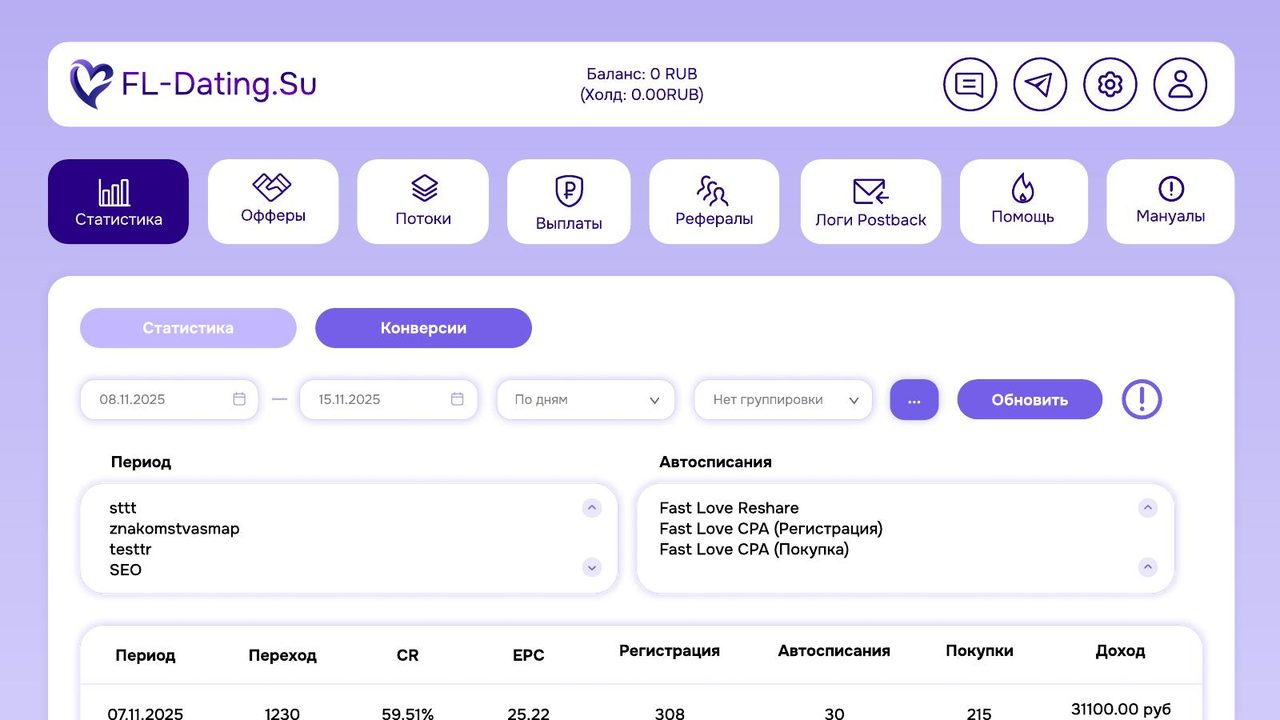
How we built it
Dating products share one failure: the interface reduces everything to an endless feed, and the product lives exactly as long as scrolling stays interesting. So the structure here is built around reasons to meet — alongside the feed and chats there are events and a calendar, and a profile shows what a person is doing, not only how they photograph.
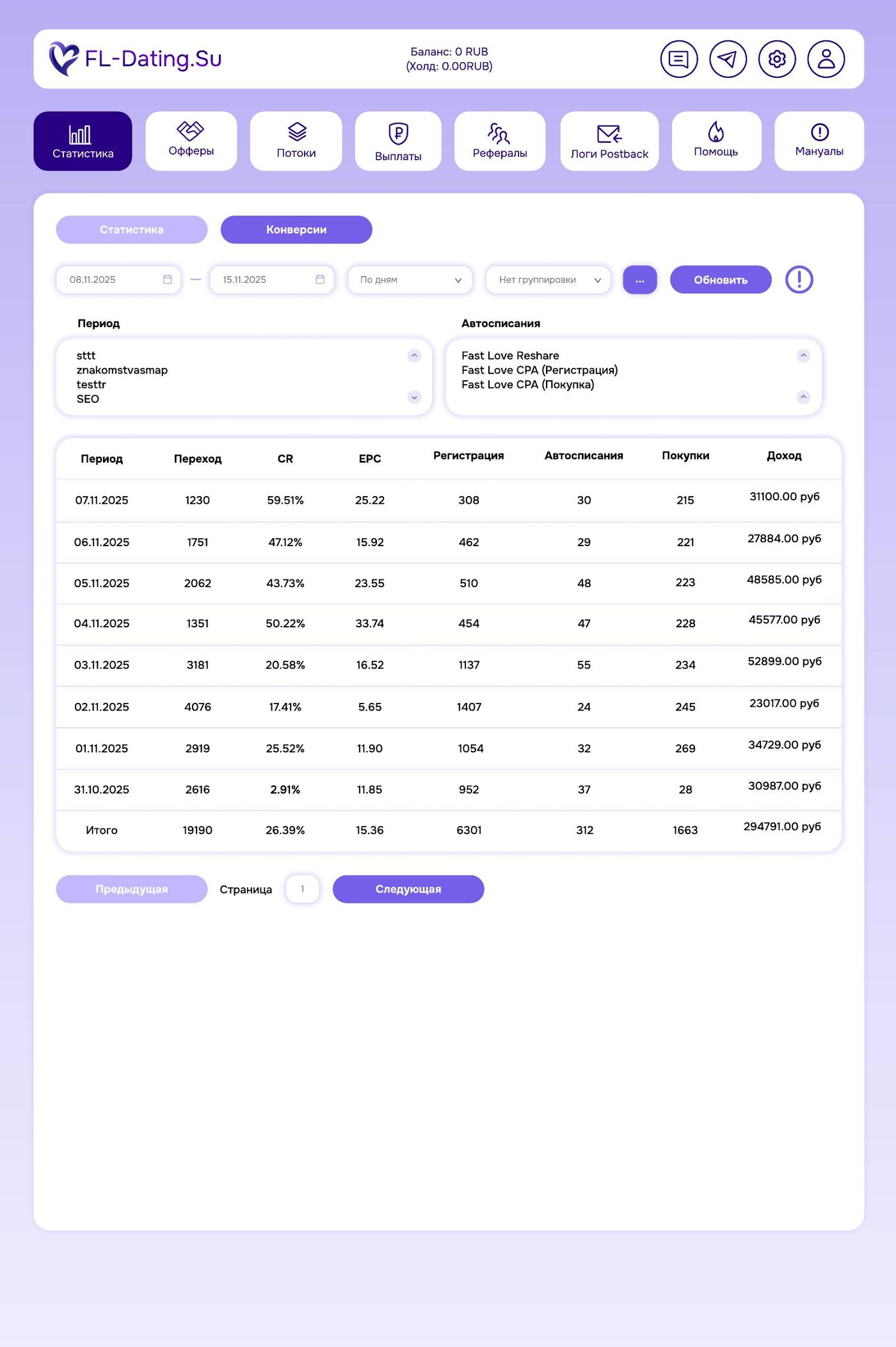
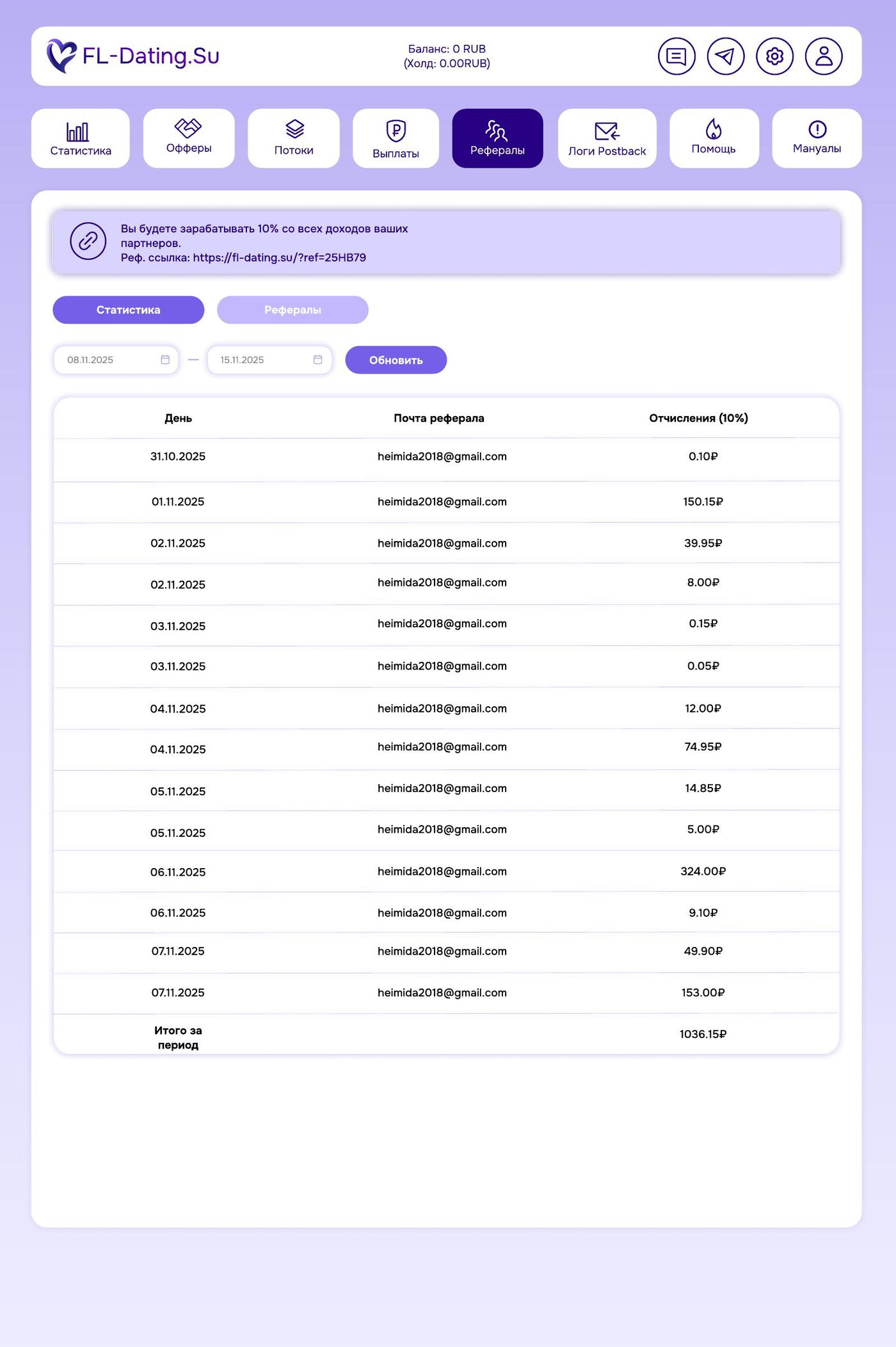
Both surfaces, desktop and mobile, were designed in parallel from one UI kit. Their density logic differs: on desktop the profile and the feed sit side by side on one screen, on mobile they are sequential steps. Components, type and states are shared, so the product reads as the same service on any device.
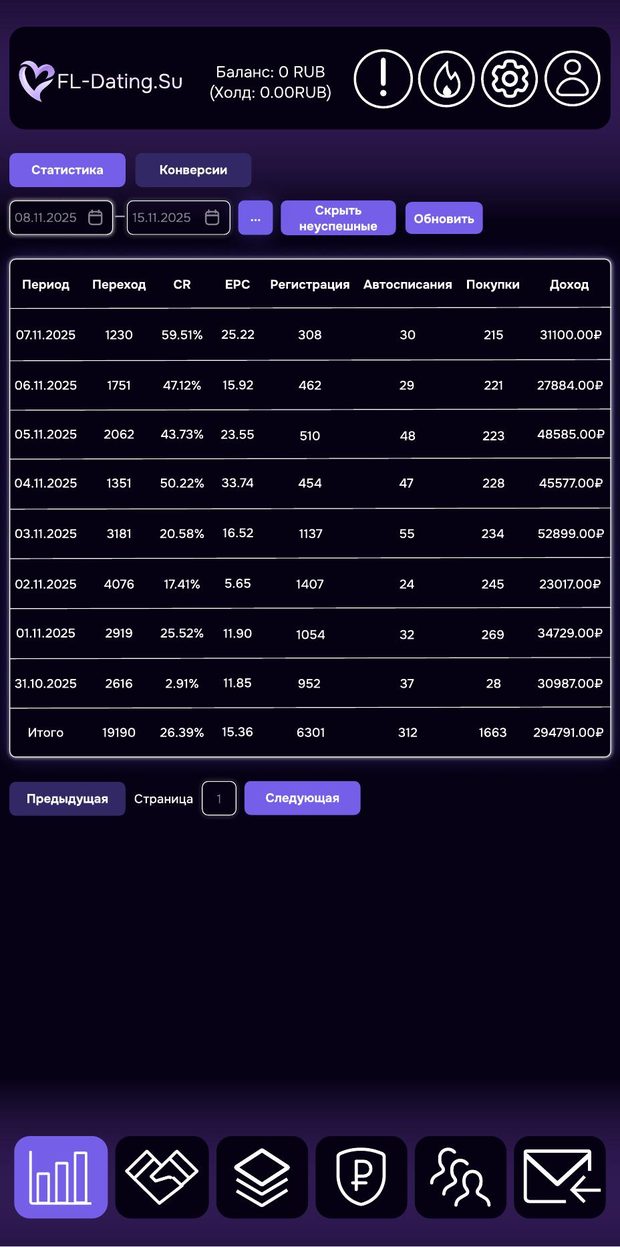
The dark theme is not decoration: the service is used in the evening and at night, phone in hand. The accent pair — violet and pink — carries actions and statuses, while everything else stays on a neutral scale so that photographs of people remain the subject of the screen.
Stages of delivery
Product structure
Feed, profiles, chats, events and calendar as equal sections — instead of one endless feed.
Mobile surface
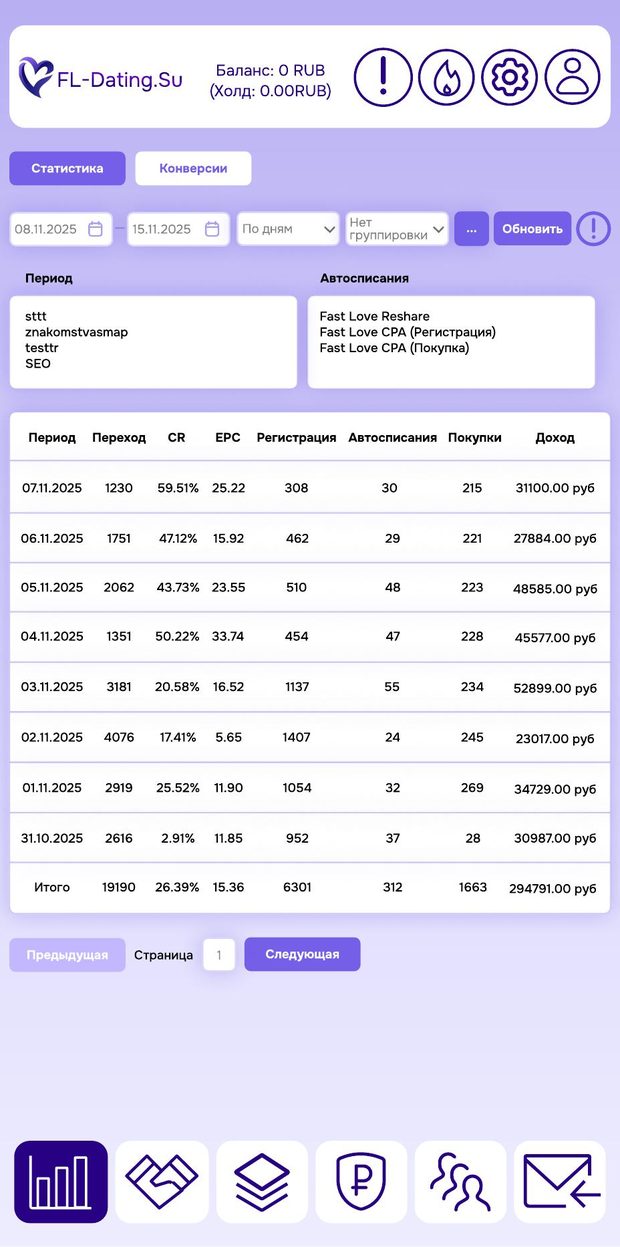
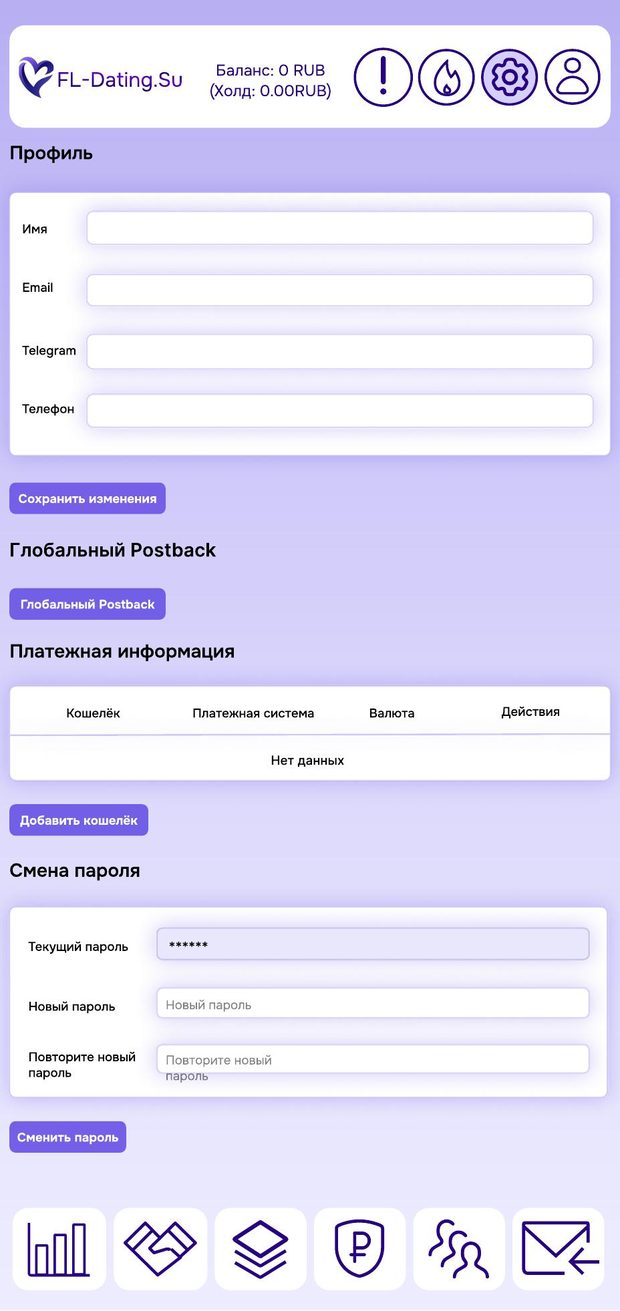
Sign-up, feed, profile, conversation and event screens designed for one-handed use.
Desktop surface
A layout where feed and profile share the screen and conversation does not bury the context.
UI kit
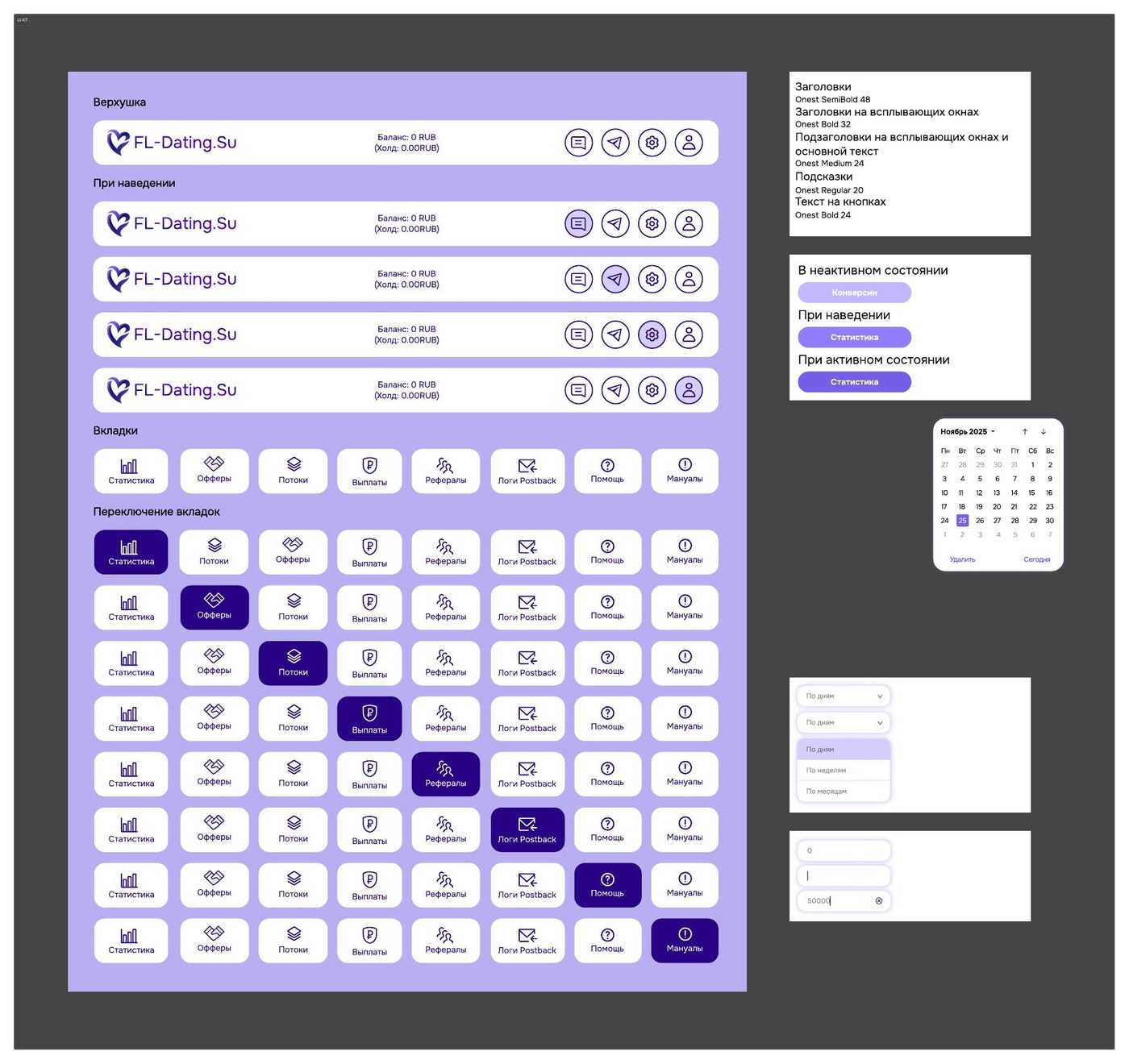
One library: type, colour, buttons, fields, cards and their states, shared across both platforms.
Interactive prototype
A clickable assembly of the flow: how the product behaves in motion.
Outcome
The product was designed for two platforms at once from a shared component library: over 35 screens, a single UI kit and an interactive prototype of the flow.
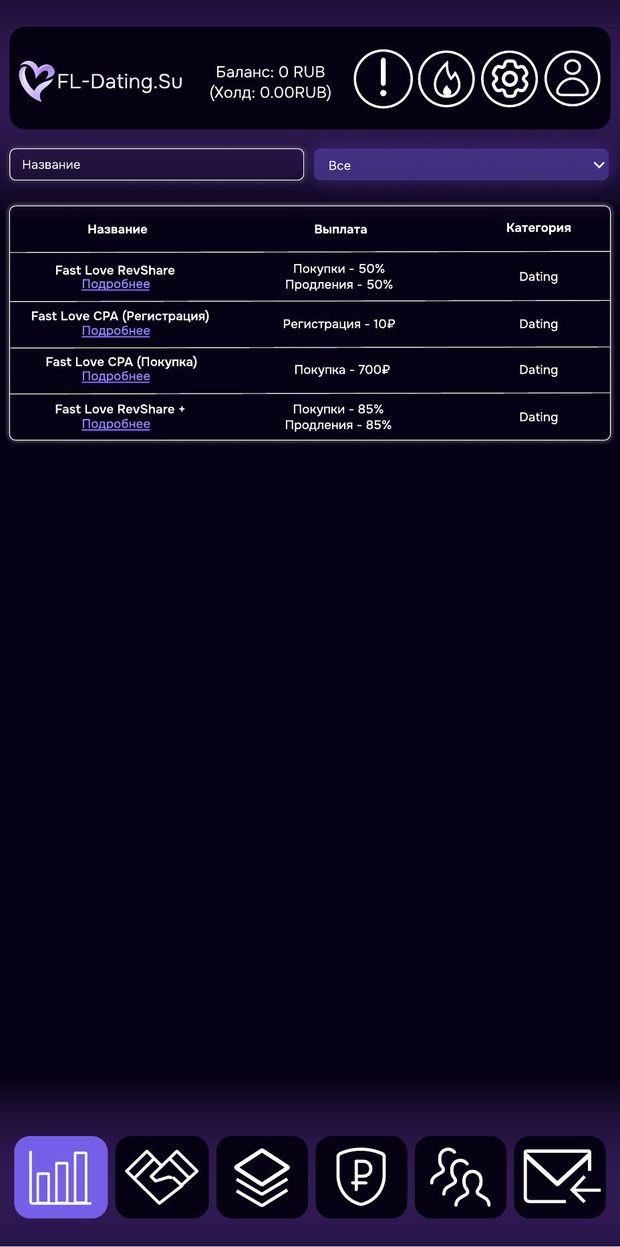
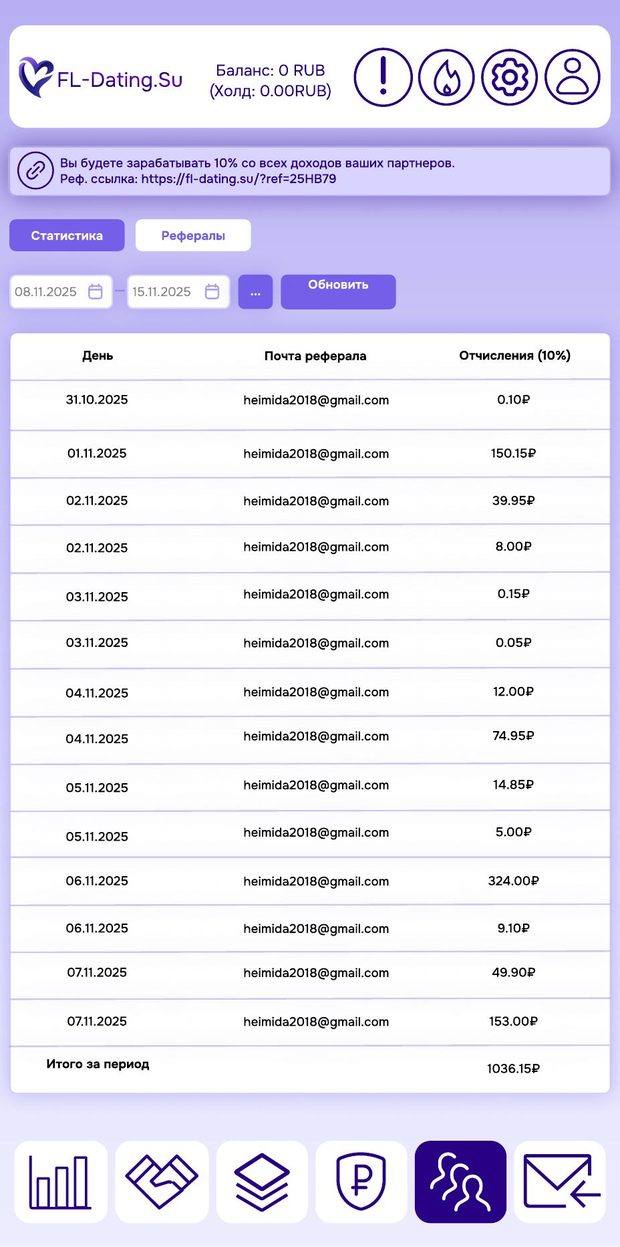
Below: a recording of the prototype and a selection of screens — several mobile, two desktop and a UI kit spread.
Other cases
Want the same outcome?
Tell us about the task — we will design, build and ship a solution for it.